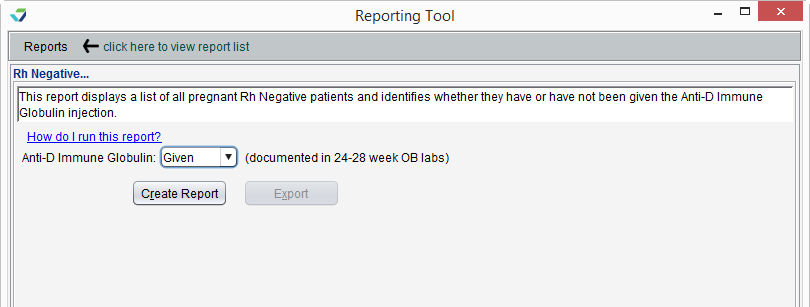
The Rh Negative Report displays a list of pregnant Rh Negative patients and whether they have been given an anti-D immune globulin injection. The injection information is obtained from the OB Labs tab in an OB encounter.
Run the Rh Negative Report
- From the Reporting Tool, go to Reports > OB > Rh Negative
- Select a status for Anti-D Immune Globulin injection: Given, Not Given, or All
- Click Create Report
Note
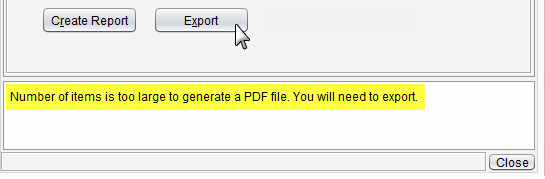
Reports with an extensive amount of data are unable to be generated as a PDF and will require the user to export the report to view the data.
Report Display
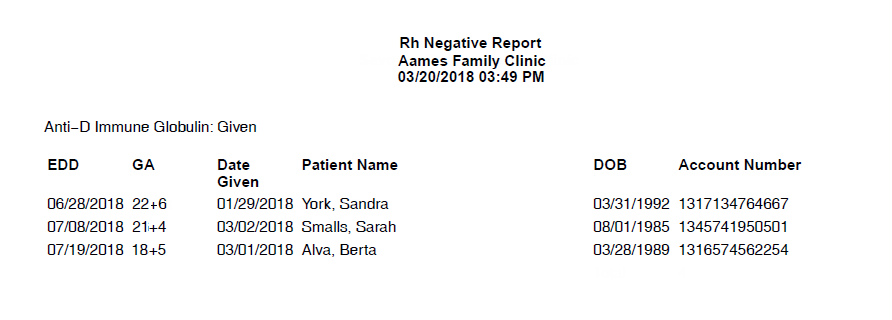
The Rh Negative report will display the Patient Name and patient demographic data, estimated date of delivery (EDD), gestational age (GA), and Date Given for the anti-D immune globulin injection.
Export Report Data
Generated report data can be exported and saved outside of Sevocity to a destination selected by the user, such as a network drive or local machine.
- From the report, click Export
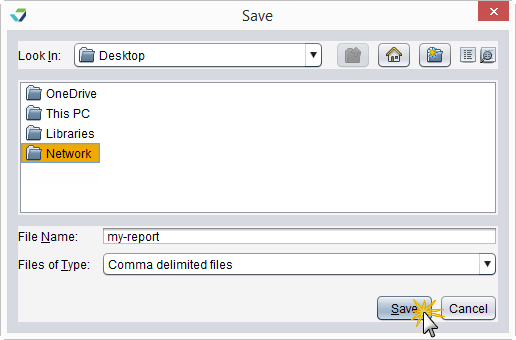
- Select a location to save the file and type a File Name
- Click Save
The data will be saved as a comma delimited file (.csv)
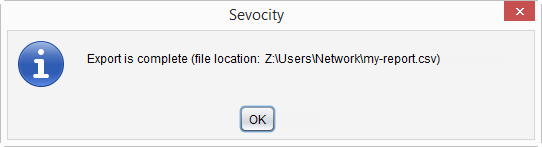
Click OK to acknowledge the export is complete
Why is the Export Button Disabled?
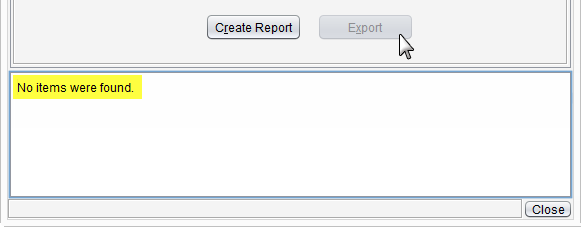
The Export button becomes enabled only if there is data in the generated report.