The CMS National Plan and Provider Enumeration System (NPPES) directory is an integrated feature in Sevocity, designed to simplify the management of professional contacts.
Search NPPES for an Individual
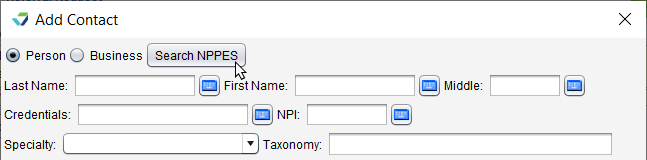
From the Add Contact window, select the Person radio button and click Search NPPES
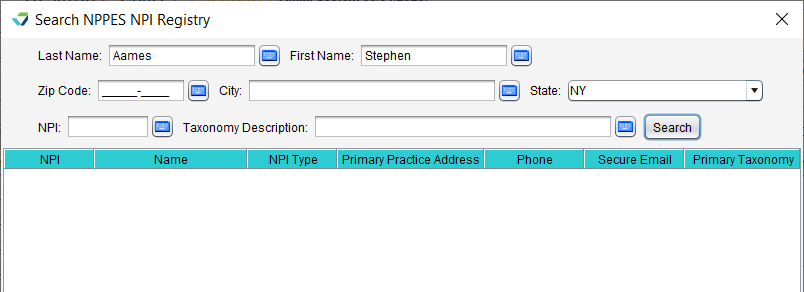
Populate one or more of the search criteria fields and click Search
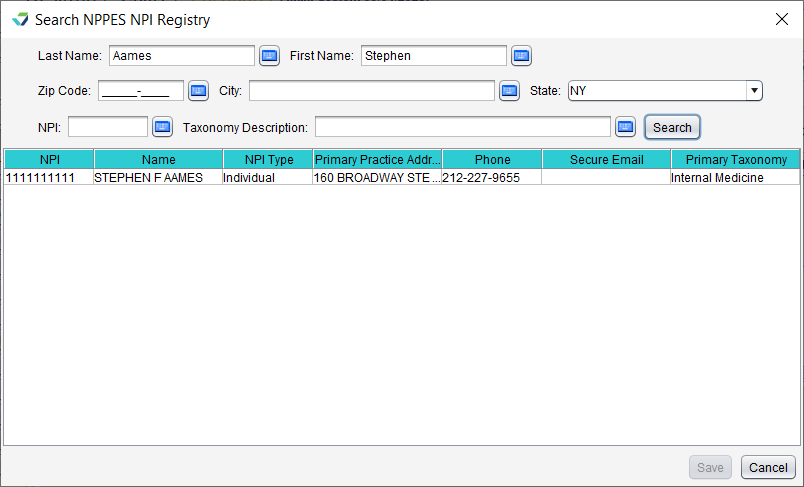
Select a clinician from the search results list and click Save
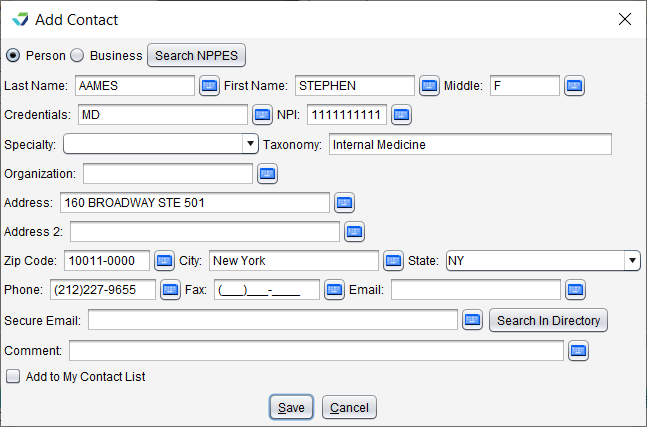
The clinician’s available information from the NPPES directory will populate the corresponding fields in the contact details
Optional: populate any additional fields as needed
Click Save
Search NPPES for an Organization
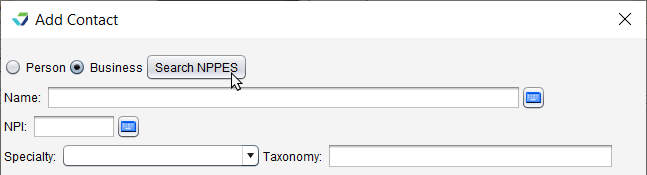
From the Add Contact window, select the Business radio button and click Search NPPES
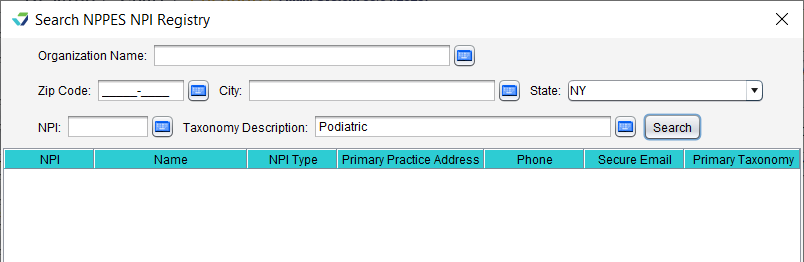
Populate one or more of the search criteria fields and click Search
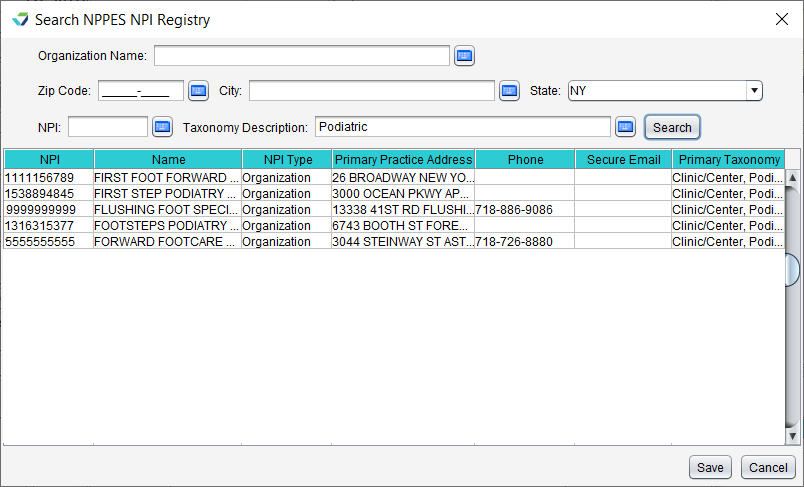
Select an organization from the search results list and click Save
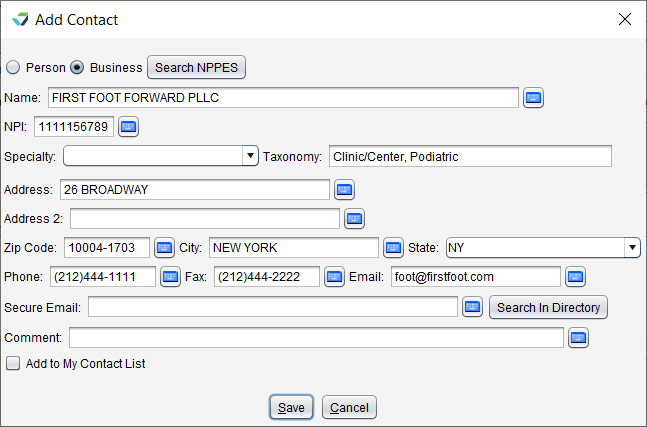
The organization’s available information from the NPPES directory will populate the corresponding fields in the contact details
Optional: populate any additional fields as needed
Click Save