
Permissions
A user must have Can access Patient Portal Inbox selected in their user profile to view the Patient Portal Inbox and use its associated features.
Navigation and Getting Started
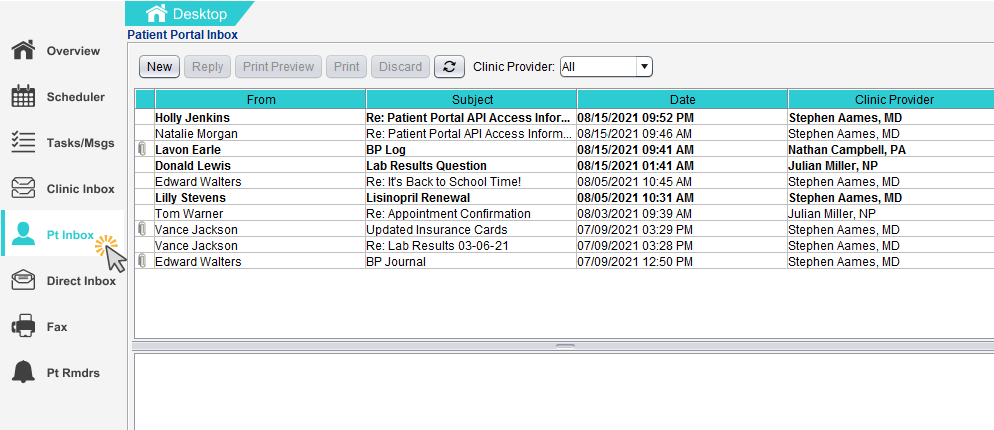
The Pt Inbox will display on a new tab on the Desktop for users with portal access. Clicking on the tab will navigate the user to the Patient Portal Inbox.
A purple envelope icon ( ) will display in the notifications area when a new patient portal message is received. Double-clicking on the notification icon will navigate the user to the Patient Portal Inbox.

Note
The number that appears on the icon is the number of new or unread messages in the Inbox. If there are no new or unread messages in the Inbox, the icon will not be visible