
Tools > Preferences > CLINIC > Clinic Settings > Alerts/Reminders/CDS
Alerts/Reminders/CDS settings provide options for chart and encounter alerts and specifying website links for resources accessible within an encounter.
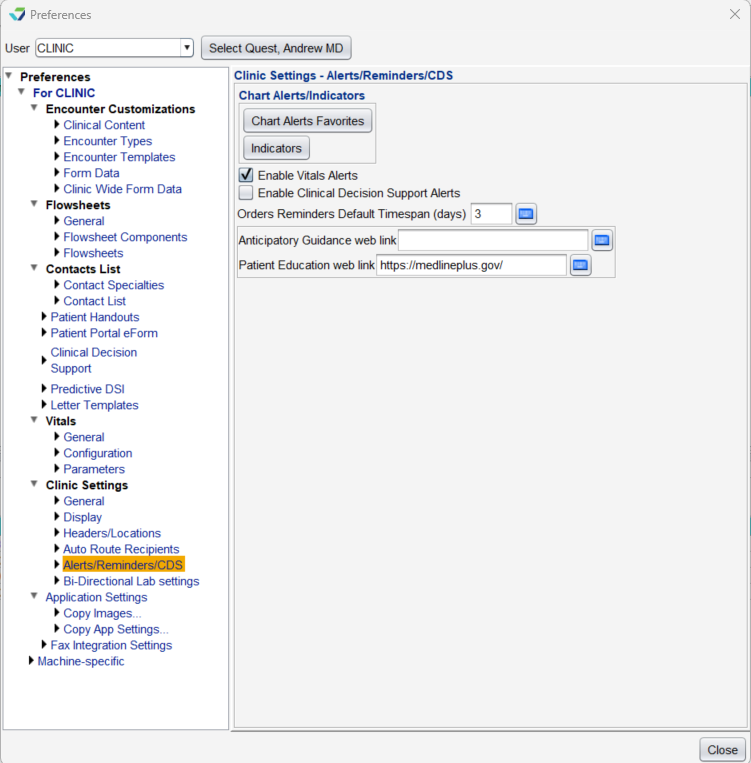
Chart Alert Favorites
Chart Alert Favorites is a tool used to create and manage the Chart Alerts favorites list.
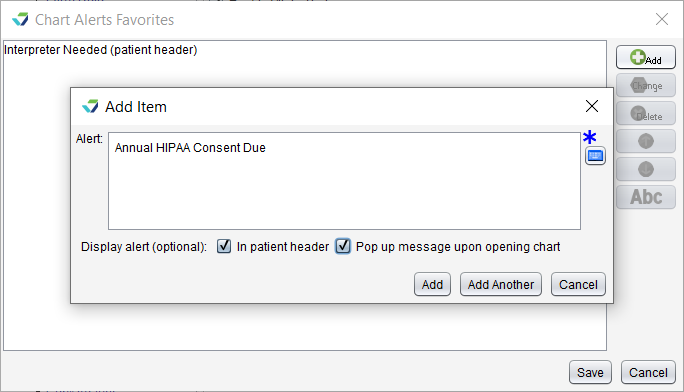
Add a Chart Alert Favorite
Click the Chart Alert Favorites button
Click Add
Populate the Alert field
Optional: select one or more Display alerts
In patient header displays the alert in red text on the patient header
Pop up message upon opening chart displays the alert in a pop up window when the chart is opened
Click Add to add the alert to the list or click Add Another to continue adding alerts
Click Save
Update a Chart Alert Favorite
Select an alert from the list and click Change
Update the Alert text and Display alert options, as needed
Click Change
Click Save
Delete a Chart Alert Favorite
 Select an item and click Delete, then click Yes to confirm decision to delete
Click Save
Organize the Chart Alert Favorites List

Select an item and click the Up arrow to move the item up one place in the list
Select an item and click the Down arrow to move the item down one place in the list
Click Abc to sort the entire list in ascending alphabetical order (A-Z)
Indicators
Indicators is a tool used to create and manage color Indicators that can be applied to the patient header.
Add an Indicator
Click the Indicators button
Click Add
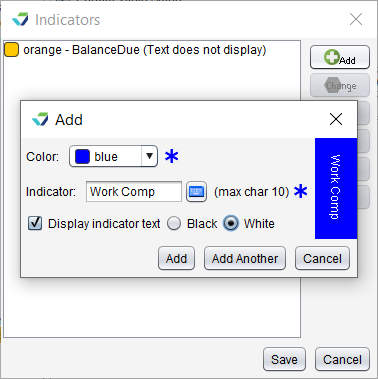
Select the indicator Color
Type a description for the Indicator
Optional: select Display indicator text and the text color (Black or White)
Click Add to add the indicator to the list or click Add Another to continue adding indicators
Click Save
Update an Indicator
Select an indicator from the list and click Change
Update the Color, Indicator text, and Display indicator text options, as needed
Click Change
Click Save
Delete an Indicator
Select an item and click Delete, then click Yes to confirm the decision to delete
Click Save
Organize the Indicators List
Select an item and click the Up arrow to move the item up one place in the list
Select an item and click the Down arrow to move the item down one place in the list
Click Abc to sort the entire list in ascending alphabetical order (A-Z)
Enable Vitals Alerts
Enabling Vitals Alerts creates an encounter alert wehn a patient’s vital signs are outside of the clinic-defined normal parameters

Enable Clinical Decision Support Alerts
Enable Clinical Decision Support Alerts Clinical Decision Support


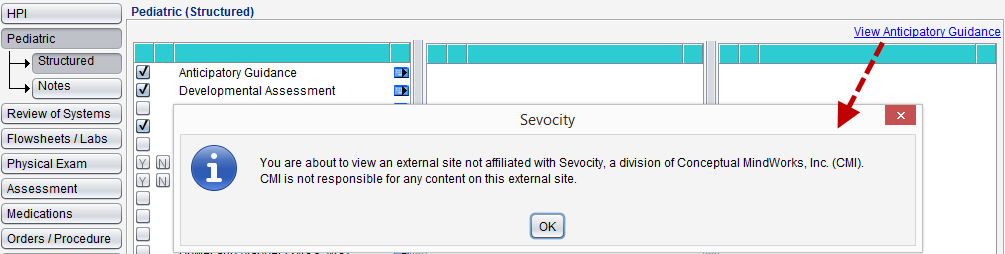
Anticipatory Guidance link
Patient Educationa Web Link when populated with a website URL, this creates a custom resource link for the Pt Ed Resources button in the Plan tab and for the Patient Education Resources link in the Tools menu
