
Sevocity has developed an application programming interface (API) for its patient portal which allows other systems to connect to a patient’s portal account. This is designed to enable patients to share their health information with a third-party vendor of their choosing.
Access to a patient’s health information on the patient portal can only be initiated by the patient or patient-authorized representative.
Note
The clinic is responsible for providing patients with the information they need to initiate access with a third-party vendor
Provide Portal API Access Information
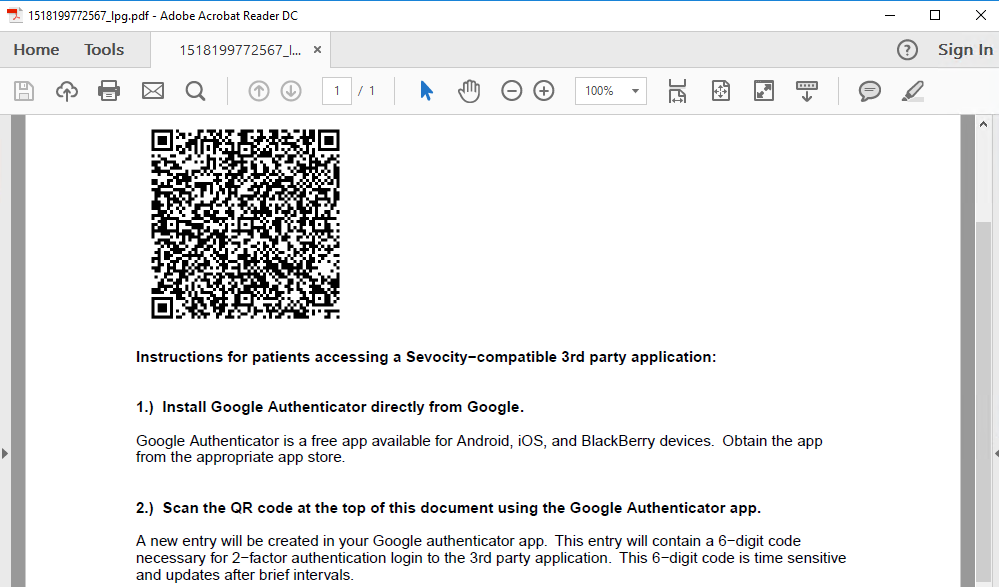
The API access information can be printed and given directly to the portal account holder or sent to a patient’s portal account.
Print Portal API Access Information
- Go to Tools > Patient Portal > Patient QR Code > Print
- Enter patient search criteria and click Search
- Select patient and click OK
- Instructions will be generated as a PDF
- Provide this document to the portal account holder
Send API Access Information to the Portal
- Go to Tools > Patient Portal > Patient QR Code > Send to Portal
- Enter patient search criteria and click Search
- Select patient and click OK
- Click OK to acknowledge the API access information was sent to the portal
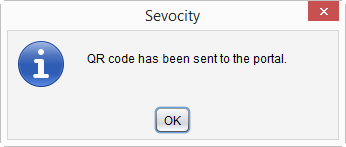
A record of the QR code transmission to the portal is stored as a Portal Message encounter type and can be viewed in the Past Encounters tab of the patient chart.
Warning
The QR code on the API access instruction sheet is unique per patient and cannot be duplicated or shared among different patient portal accounts