
In This Release…
Flowsheet Enhancements
The following enhancements have been added to the Flowsheet/Labs chart tab and the Flowsheet/Labs encounter tab:
Time Frame intervals of 1 day, 1 week, 1 month, and 3 months have been added to the Graph flowsheet options, in addition to a Time Frame start date field
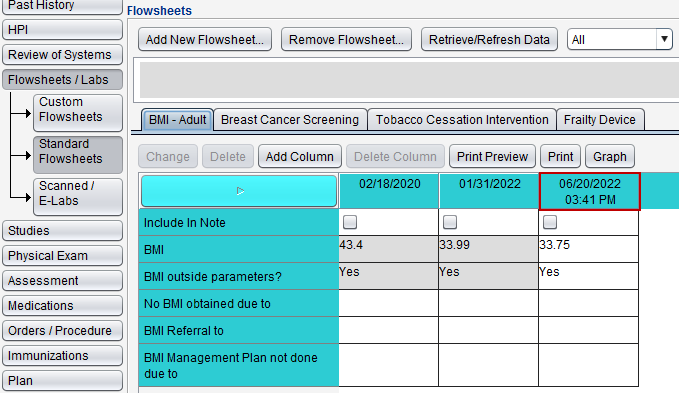
Time will now display in the flowsheet column header if a time was populated for the column entry
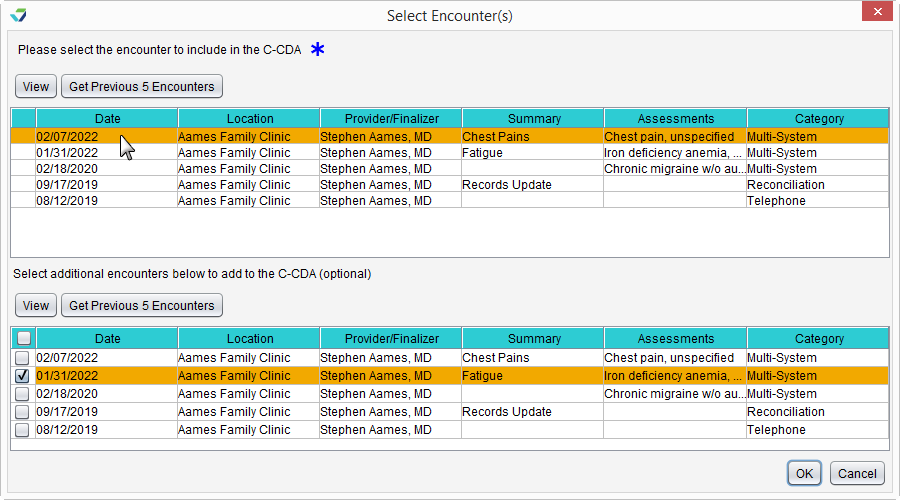
Location Specification for C‑CDA Chart Export and Send Clinical Summary
The Clinical summary from selected encounter(s) options in the Export and Send Clinical Summary tools have been updated to include location specification when selecting encounters. The location of the primary encounter selected will be the assigned location for the generated CCD.
Medical Decision Making Added to Finalized Encounter Display
The medical decision making criteria used to code a visit can now be displayed on the finalized encounter note. The Sevocity application setting previously labeled Display service level code has been enhanced to display both the visit E&M code and medical decision making criteria.
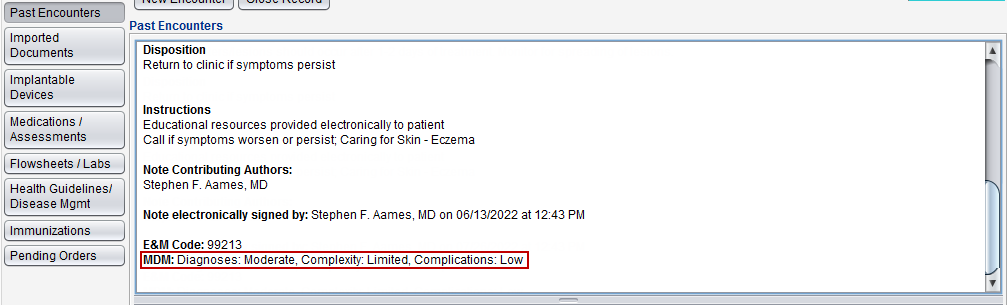
To enable this preference, go to Tools > Preferences > CLINIC or [user] > Application Settings > General and select the checkbox for Display service level code and MDM on note
Modifiers Master List for Orders
A searchable list of CPT and HCPCS modifiers has been added for use in the Orders and Referrals tab. The Clinic Administrator can use the list to add modifiers to the clinic’s existing CPT Modifiers and HCPCS Modifiers list by going to Tools > Preferences > CLINIC > Clinic Wide Form Data > Begin Edit and selecting Orders from the Tab list. The ability to add custom modifiers has not been affected.
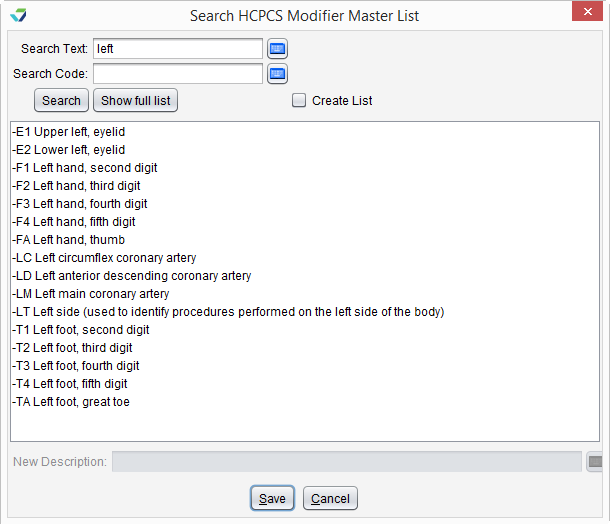
Users can access this feature when creating an order by clicking the Search Mod List button in the Add Order(s) window. Modifiers can be searched by text description or code name.

Plan Tab Enhancements
The Disposition and Patient Instruction fields in the Plan tab can now be populated by directly typing into the fields. Previously these sections could only be populated by selecting items from a Favorites list or creating a custom text note.
The layout of the Patient Instruction section has also been updated for improved usability.
Transition Note
Open encounters created prior to this release that contain Disposition or Patient Instruction documentation will not be affected by this enhancement. Favorites lists for Disposition and Patient Instruction are also not affected and will remain available for use.
Sevocity Display Changes
The following changes have been made within Sevocity:
The Health Guidelines/Disease Management chart tab has been renamed Health Guidelines Disease/Mgmt
The images on the arrow buttons used for sorting list data have been updated to:

These changes are visual only and do not impact the functionality of these features.
Vitals Tab Enhancements
The following enhancements have been added to the Vitals tab:
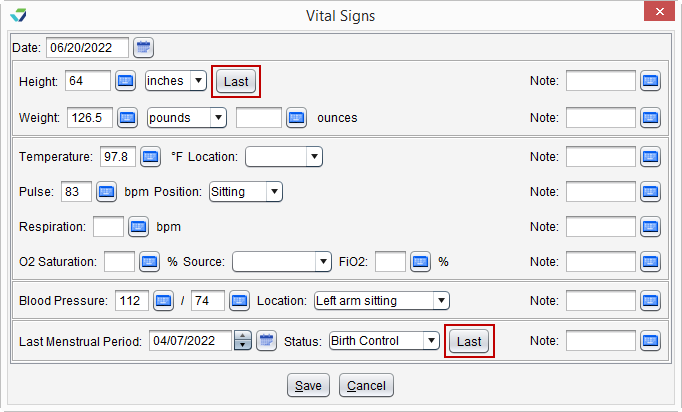
The Insert Last button for the Height field has been renamed Last
A Last button has been added to populate the Last Menstrual Period and Status fields with the last recorded values
Time Frame intervals of 1 day, 1 week, 1 month, and 3 months have been added to the Graph Vitals options, in addition to a Time Frame start date field
Questions about our new features?