
In This Release…
Operating System Scaling Optimization for Windows
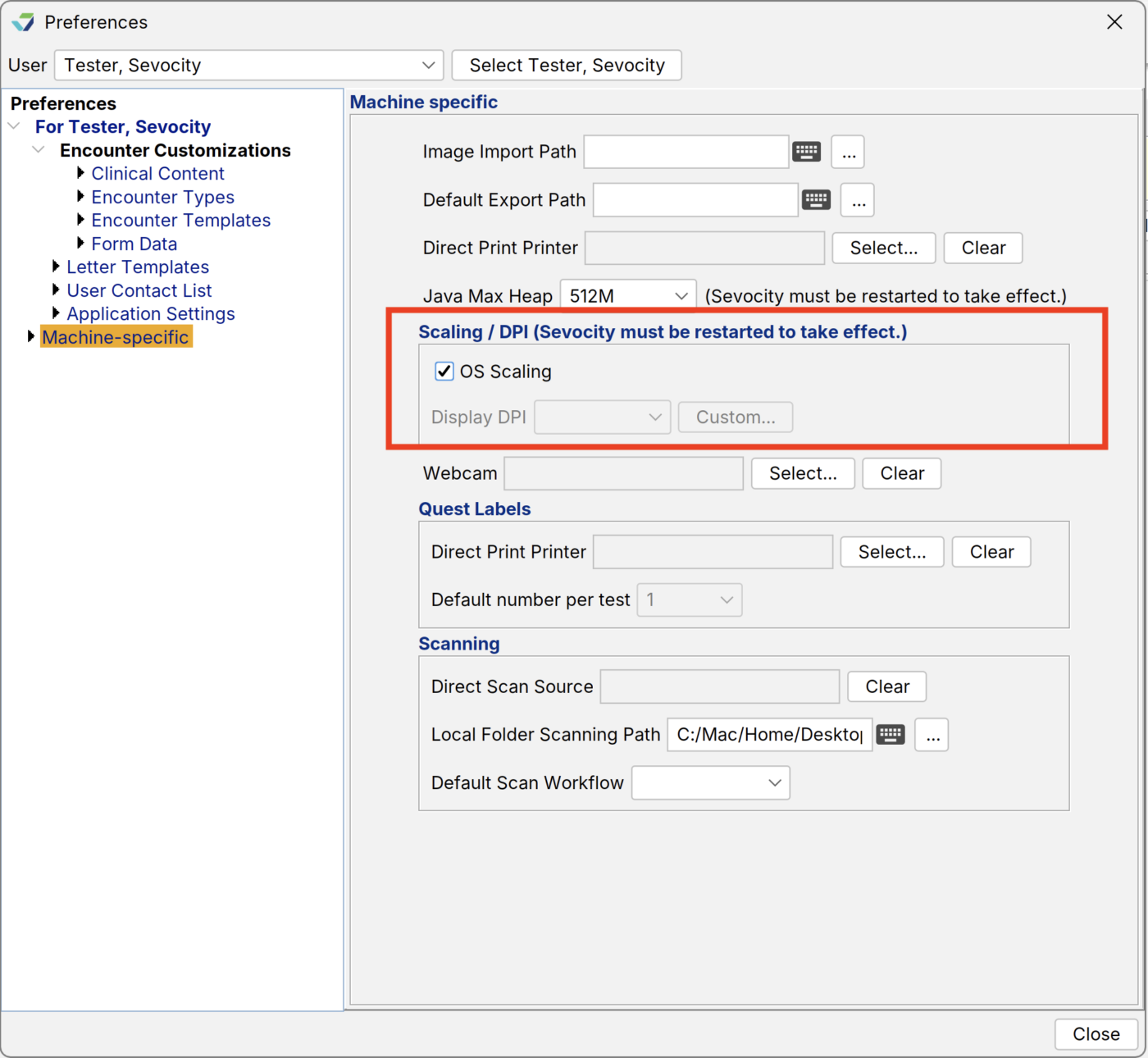
Sevocity has enhanced its display scaling (DPI) support to better align with the way Windows manages application scaling across different screen sizes and resolutions. By default, Sevocity will now use your Windows display scaling settings, allowing the application to automatically adjust based on your computer’s display preferences.
If needed, DPI settings can still be manually adjusted within Sevocity’s user preferences. Please note that this feature is available only for Microsoft Windows users.
Updates to Application Fonts
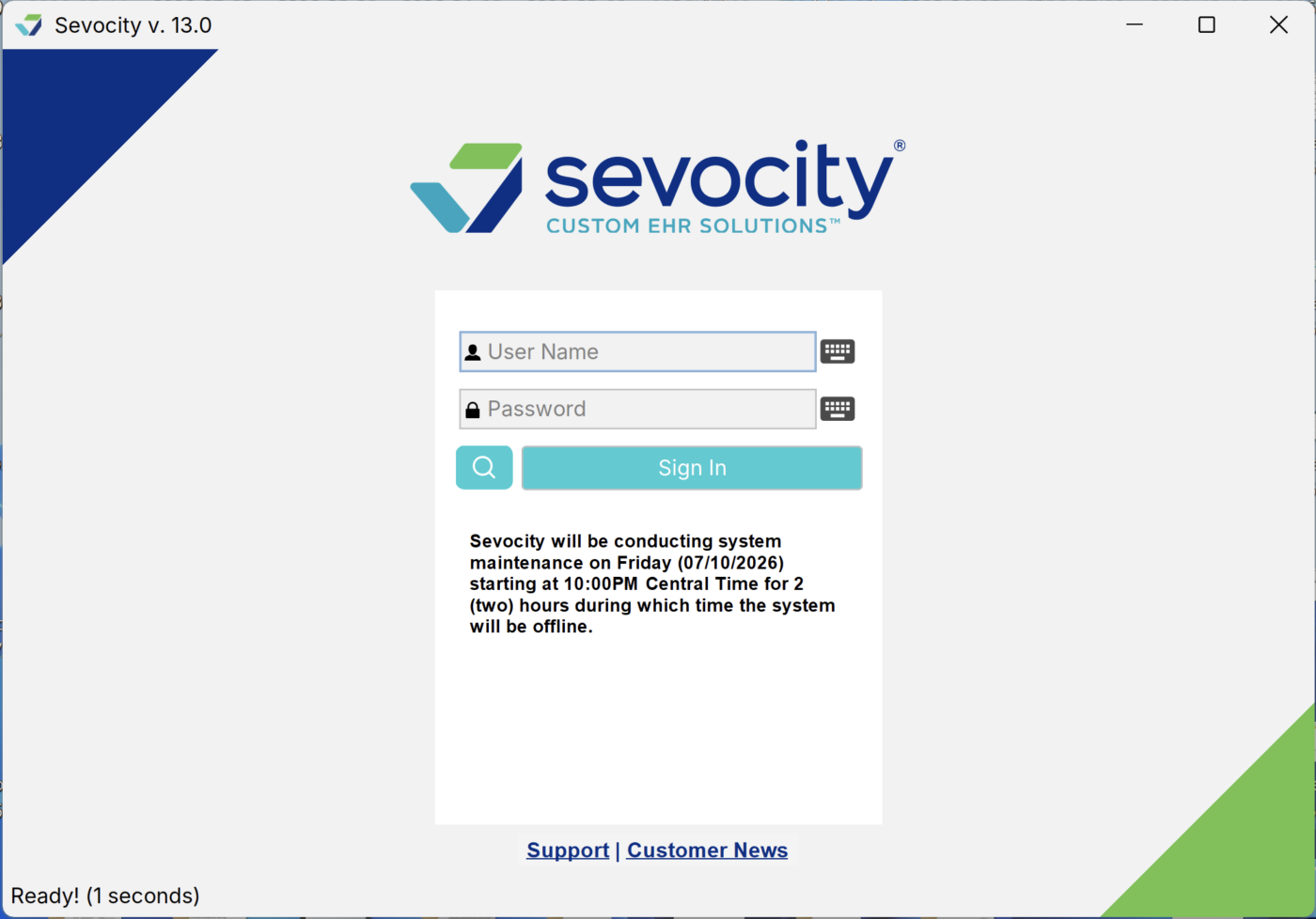
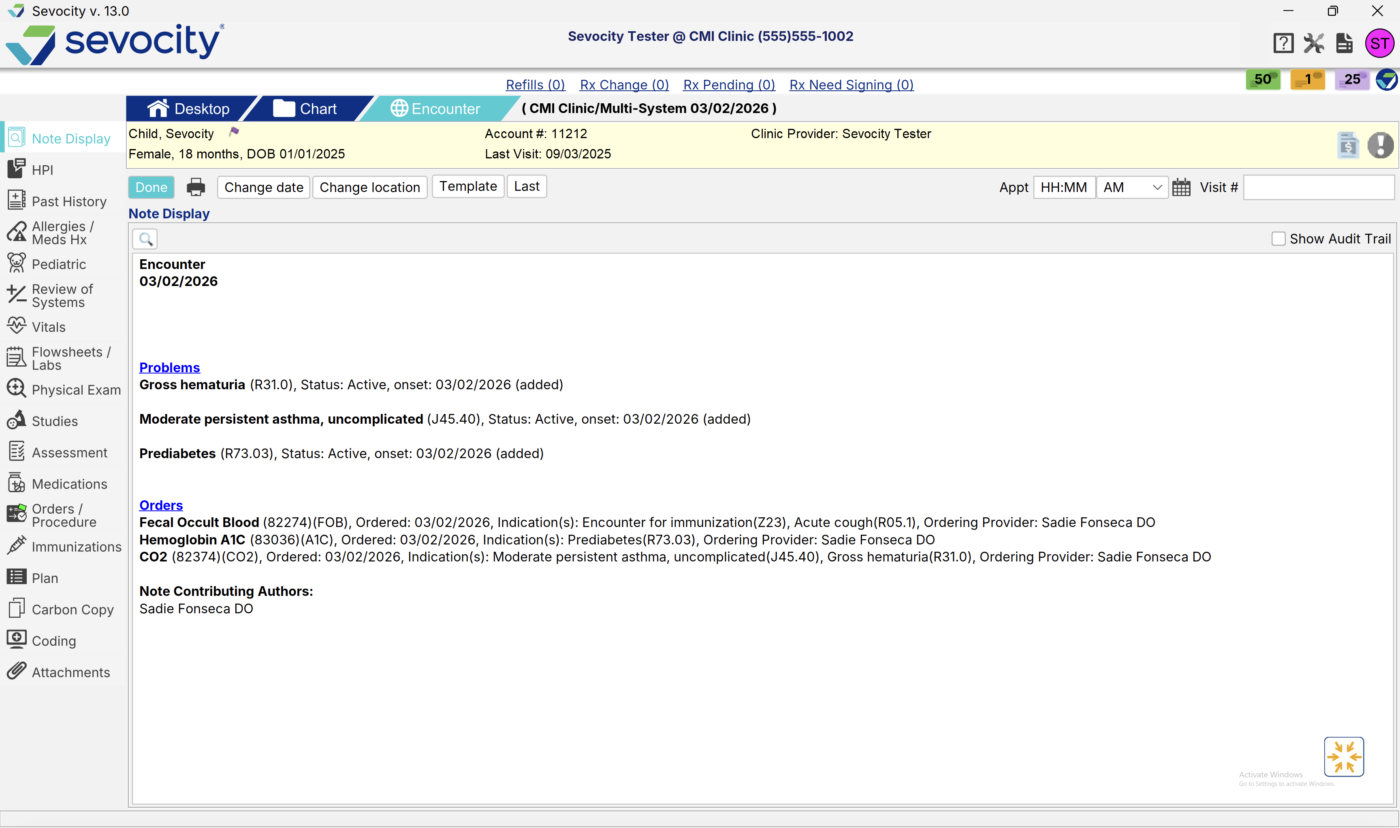
As part of our ongoing efforts to improve the user experience in Sevocity, we have updated the application’s font to a more modern style. This enhancement improves readability, creates a cleaner and more consistent look, and optimizes display scaling across various screen sizes and resolutions. Icons have also been added to the encounter level tabs.
Updates to the Print and Print Preview buttons on the Imported Documents tab
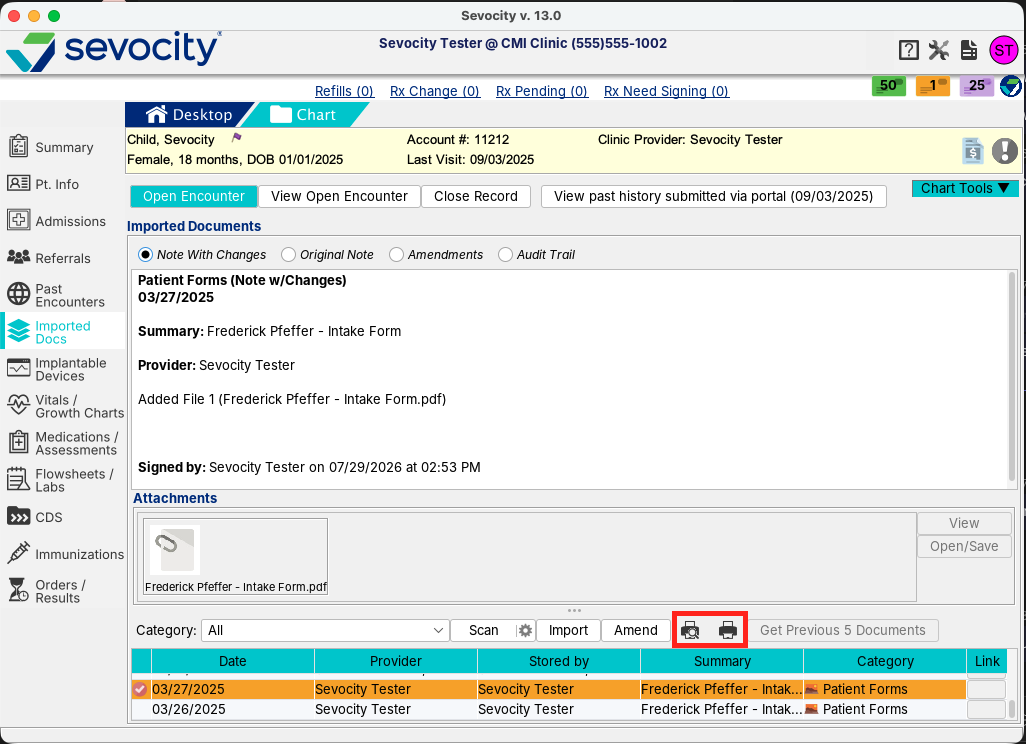
In addition to our updated Font within Sevocity, we have updated the buttons for Print and Print Preview on the Chart > Imported Documents tab to icons.
Questions about our new features?
877-777-2298
[email protected]
Sevocity Support is U.S.-based and available 24/7.